
Settings Management
Customize Your Experience
Fine-tune every aspect of OrbVPN to match your needs. From security preferences to app behavior, you're in complete control.
Settings Overview
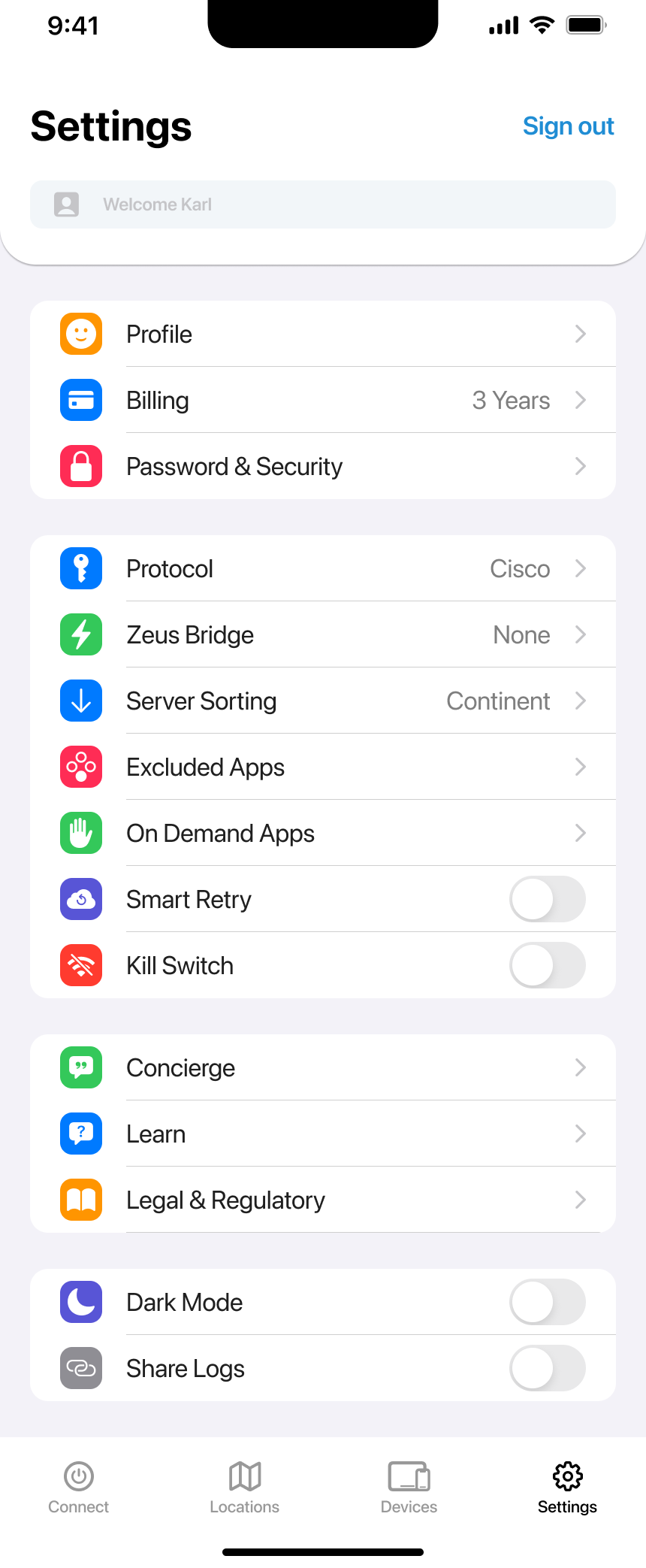
The Settings screen is your control center for all OrbVPN configurations. Access everything from profile management to advanced security features.
Settings Categories
Profile
Manage your personal information and account details
Billing
View subscription status and renewal options
Security
Password and biometric authentication settings
Protocol
Choose your preferred VPN connection protocol
Zeus Bridge
Advanced routing through specific countries
App Control
Manage excluded and on-demand apps
Profile Section
Manage your account information and personal details. Keep your profile up to date for better account recovery options.
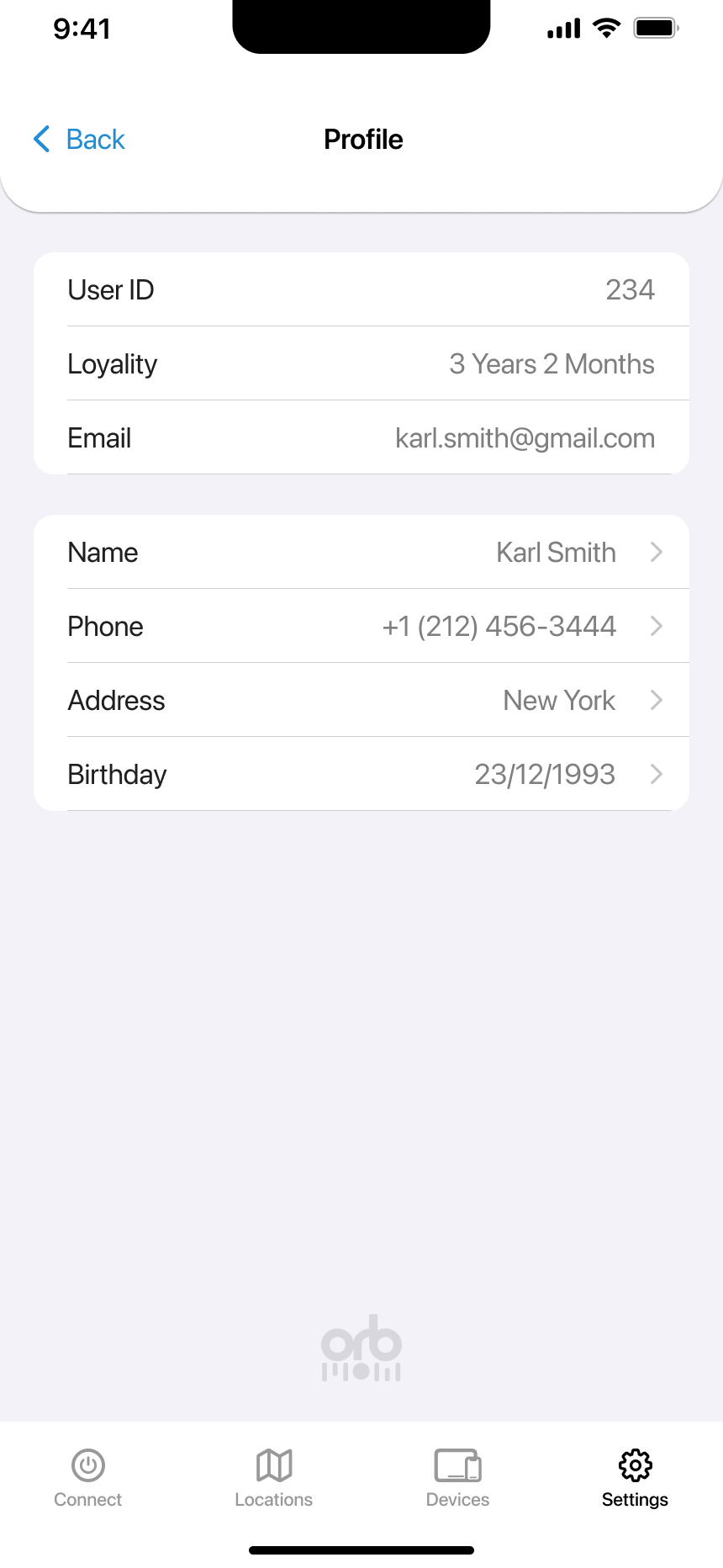
User ID
Your unique identifier within OrbVPN - used for support and account reference.
Loyalty Status
Track your continuous usage duration - may unlock special discounts and offers.
Editable Profile Fields
Name
Tap to edit your first and last name for personalized account identification.
Phone
Add your phone number with country code for account recovery and notifications.
Address
Enter your street, city, country, and postal code for billing purposes.
Birthday
Set your date of birth using the date picker for age verification if needed.
Billing Section
View your subscription details and manage renewals. Keep track of your plan status and payment information.
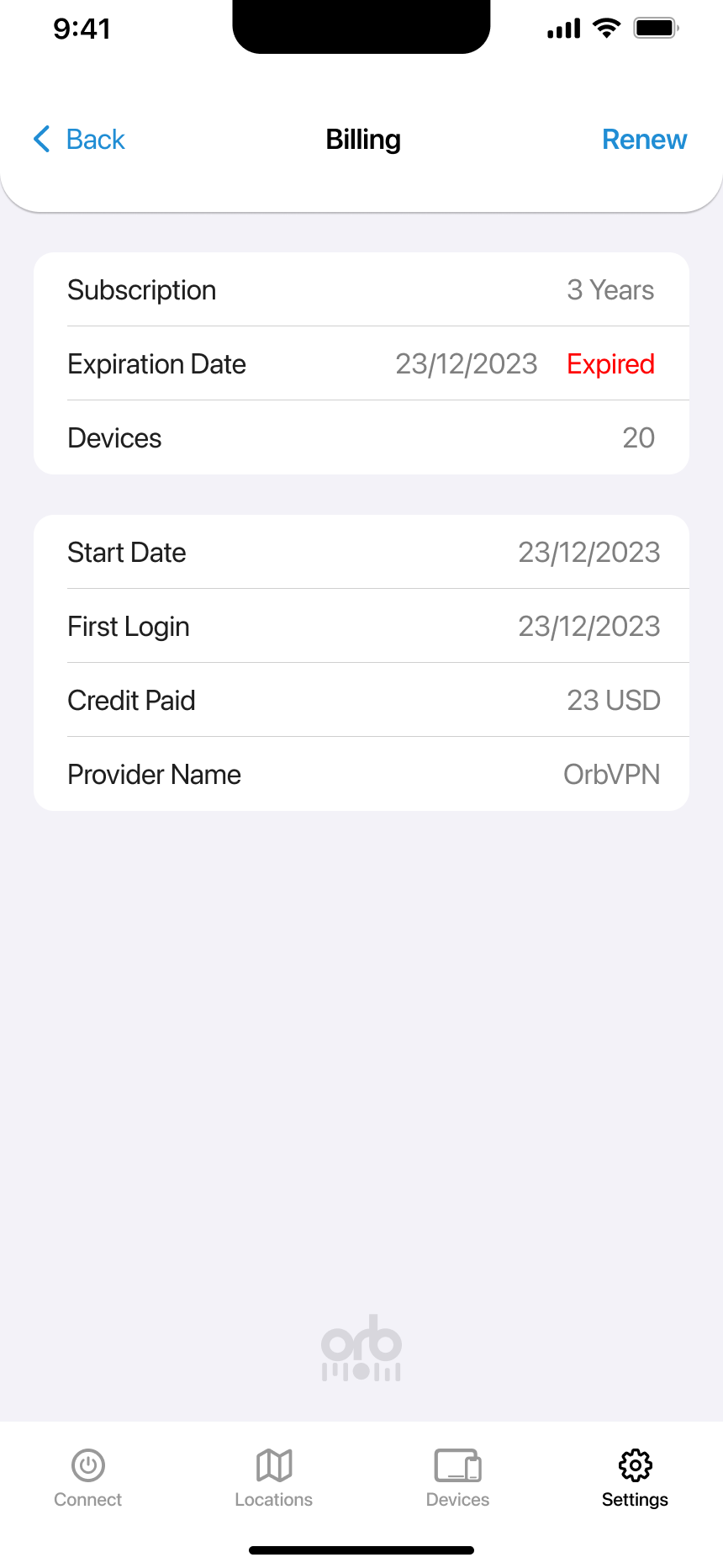
Subscription Info
View your current plan duration and features at a glance.
Expiration Date
See when your subscription ends - highlighted if expired.
Active Devices
Track how many devices are using your subscription.
Quick Renewal
Tap Renew to extend your subscription instantly.
Stay Protected
Set a reminder before your subscription expires to ensure uninterrupted protection. You can also enable auto-renewal.
Password & Security
Protect your account with strong passwords and biometric authentication. Enable Face ID or fingerprint for quick, secure access.
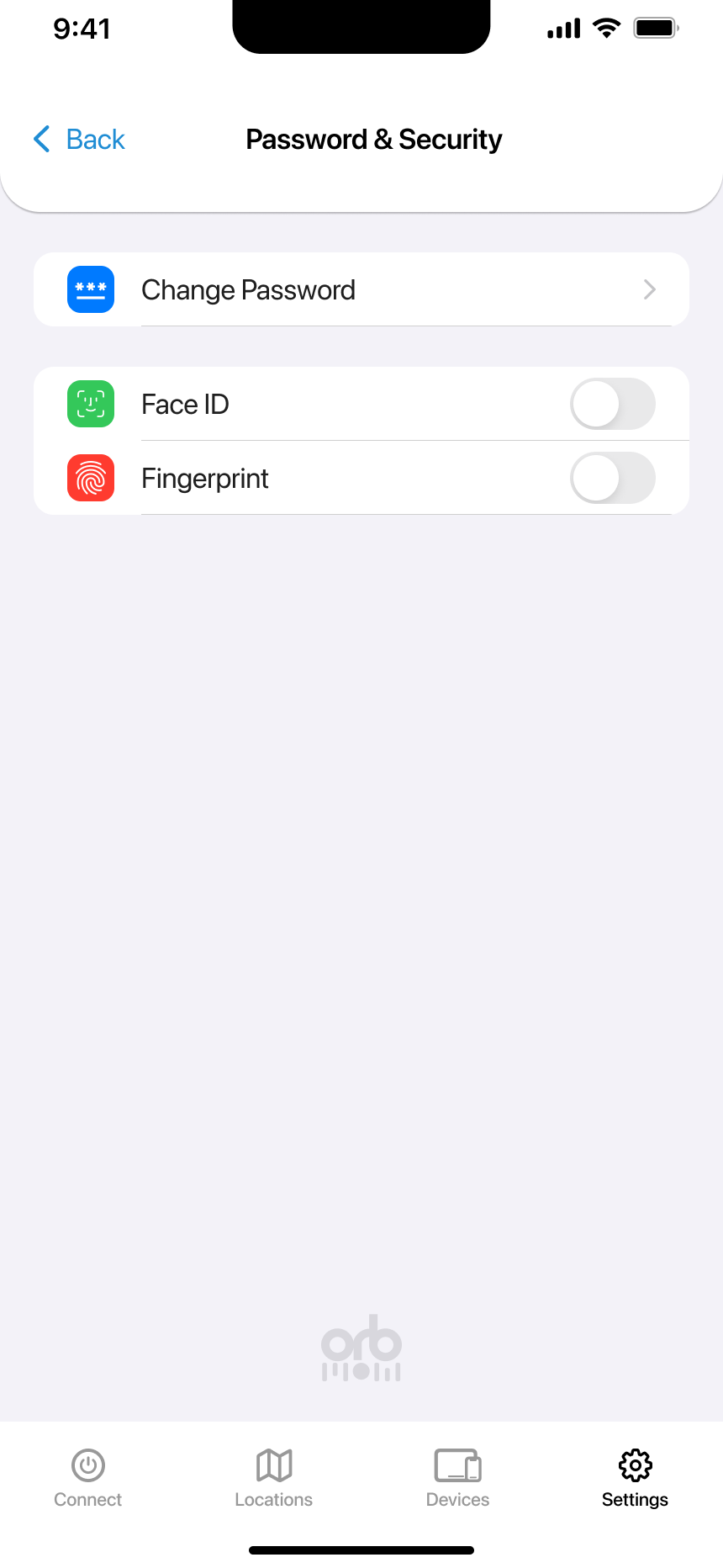
Change Password
Update your account password for enhanced security
Face ID
Toggle Face ID for quick biometric authentication
Fingerprint
Enable fingerprint unlock for fast secure access
Security Best Practice
Enable both password protection and biometric authentication for the highest level of account security.
Protocol Selection
Choose the VPN protocol that best suits your needs. Each protocol offers different advantages for security, speed, and compatibility.
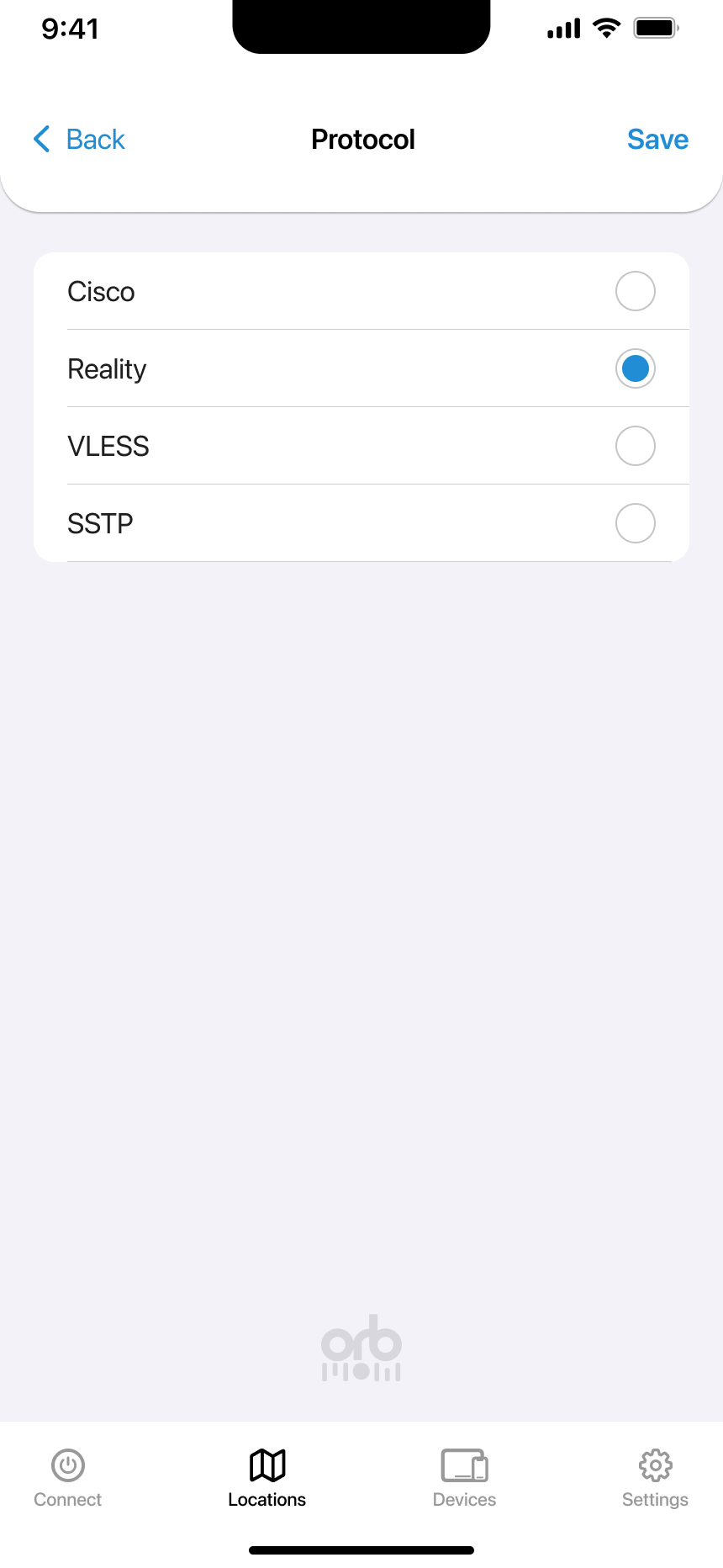
Cisco
Enterprise-grade security with robust encryption. Best for business use.
Reality
High performance and low latency. Ideal for streaming and real-time apps.
VLESS
Lightweight and flexible for faster, more efficient connections.
SSTP
Secure Socket Tunneling for reliable point-to-point connections.
Zeus Bridge
Advanced routing feature that connects through a server in one country before reaching your final VPN destination. Perfect for bypassing network restrictions.
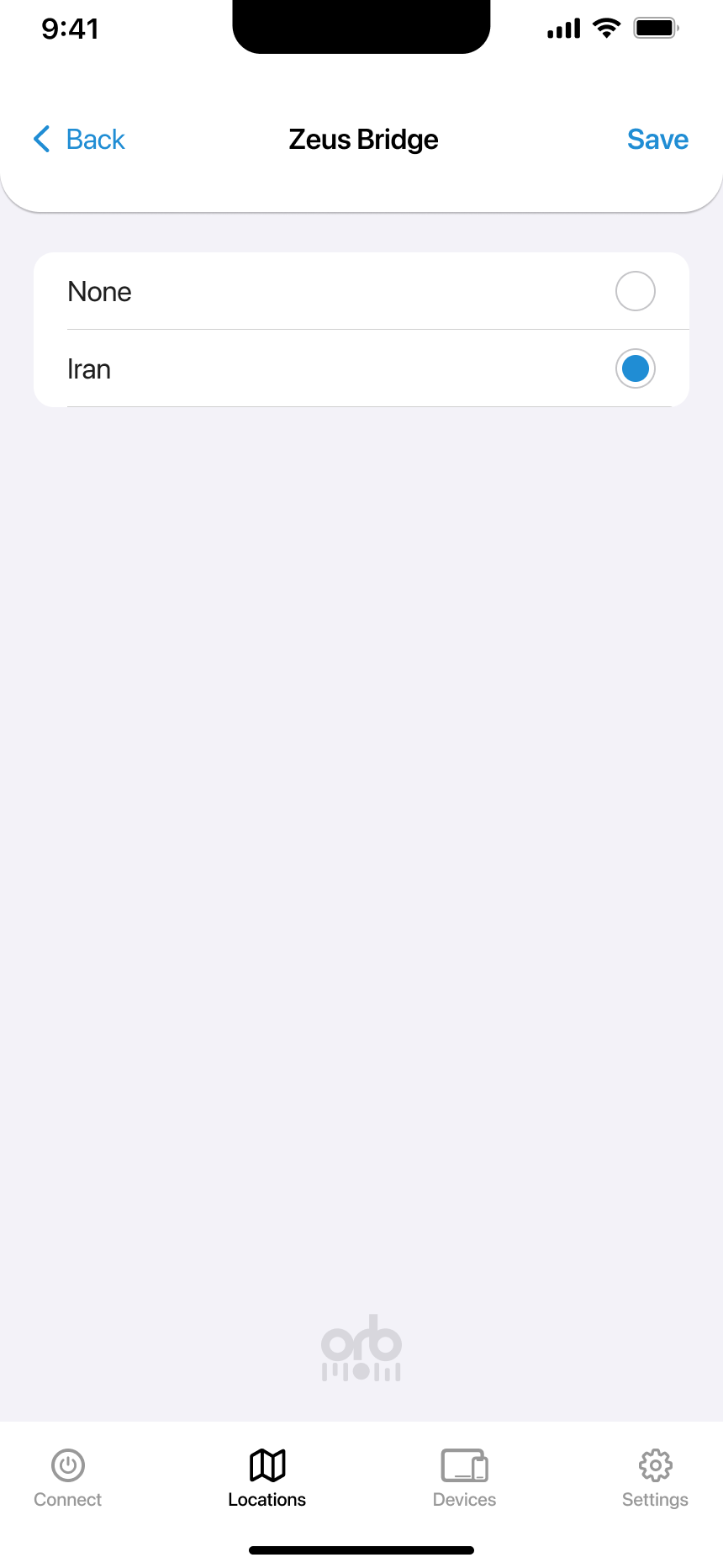
When to Use Zeus Bridge
Zeus Bridge is especially useful in restricted networks where only local intranet is available. It routes your connection through an intermediate server first.
App Control
Take control of which apps use the VPN and which ones bypass it. Configure automatic VPN triggers for specific applications.
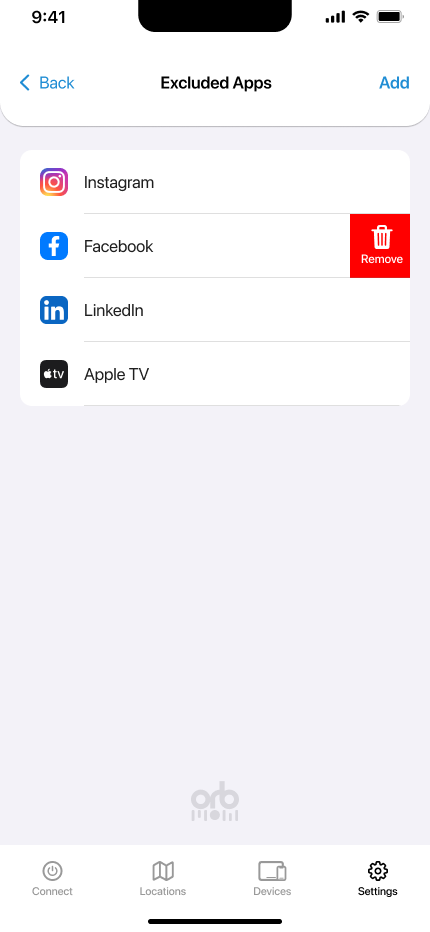
Excluded Apps
Apps in this list will bypass the VPN even when connected. Useful for banking apps or services that don't work well with VPN.
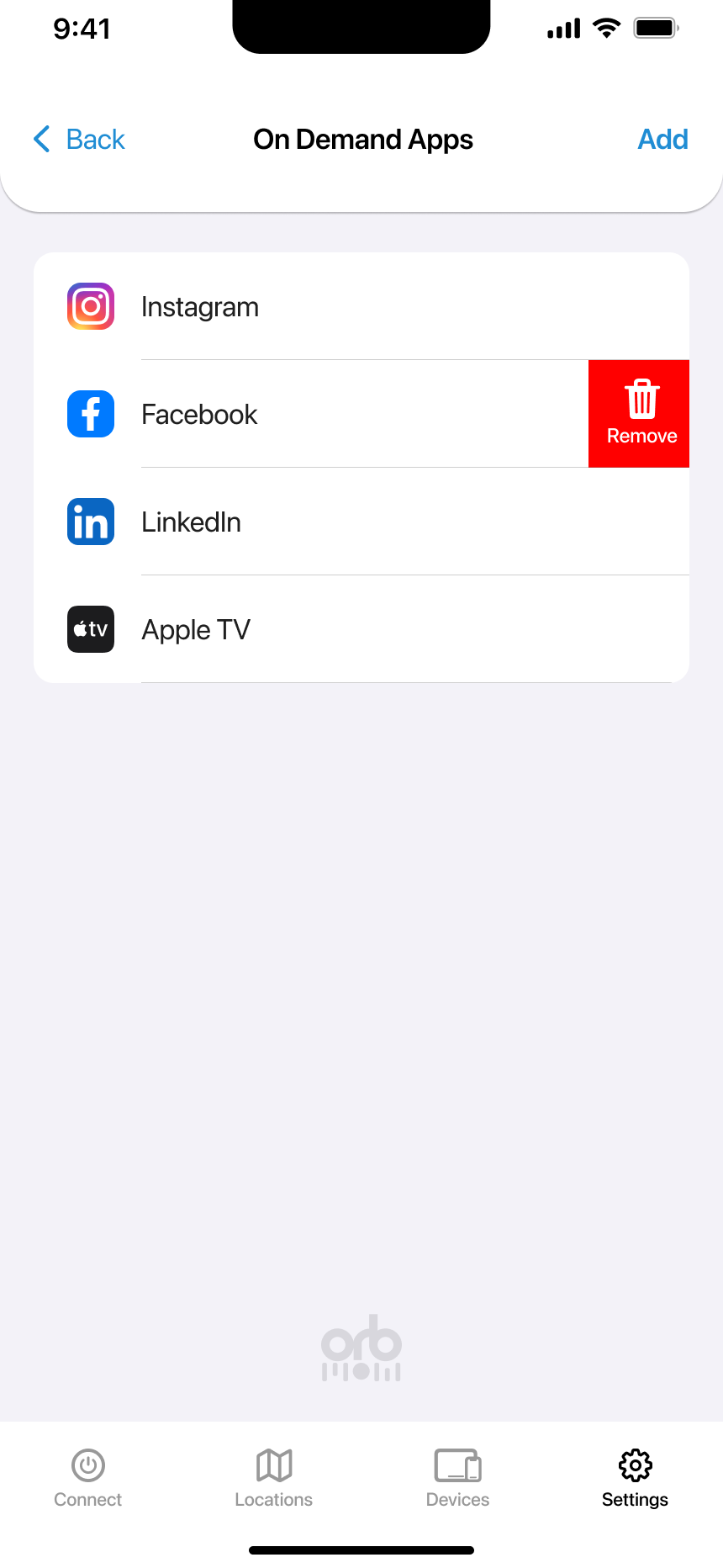
On Demand Apps
Apps in this list will automatically trigger VPN connection when launched. Perfect for apps that need privacy protection.
Add Apps
Tap 'Add' to select apps for either exclusion or on-demand VPN triggering.
Remove Apps
Swipe left on any app and tap 'Remove' to take it off the list.
Support & Resources
Concierge Support
Get help whenever you need it through multiple support channels.
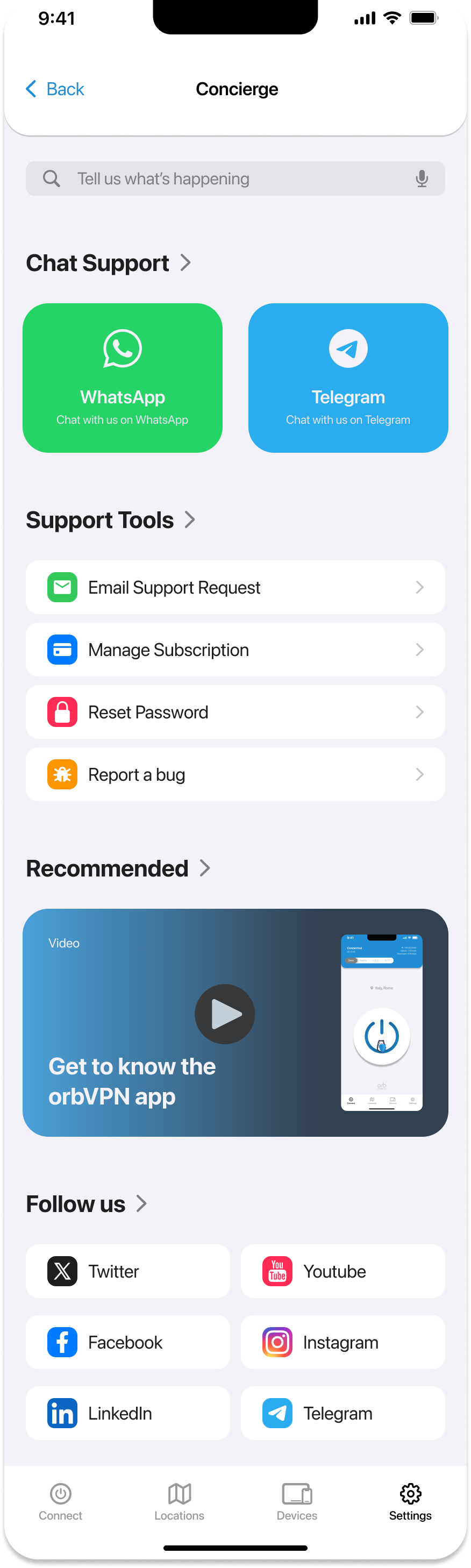
Chat Support
Instant help via WhatsApp or Telegram messaging
Email Support
Send detailed support requests via email
Reset Password
Quick password reset assistance
Report Bug
Help us improve by reporting technical issues
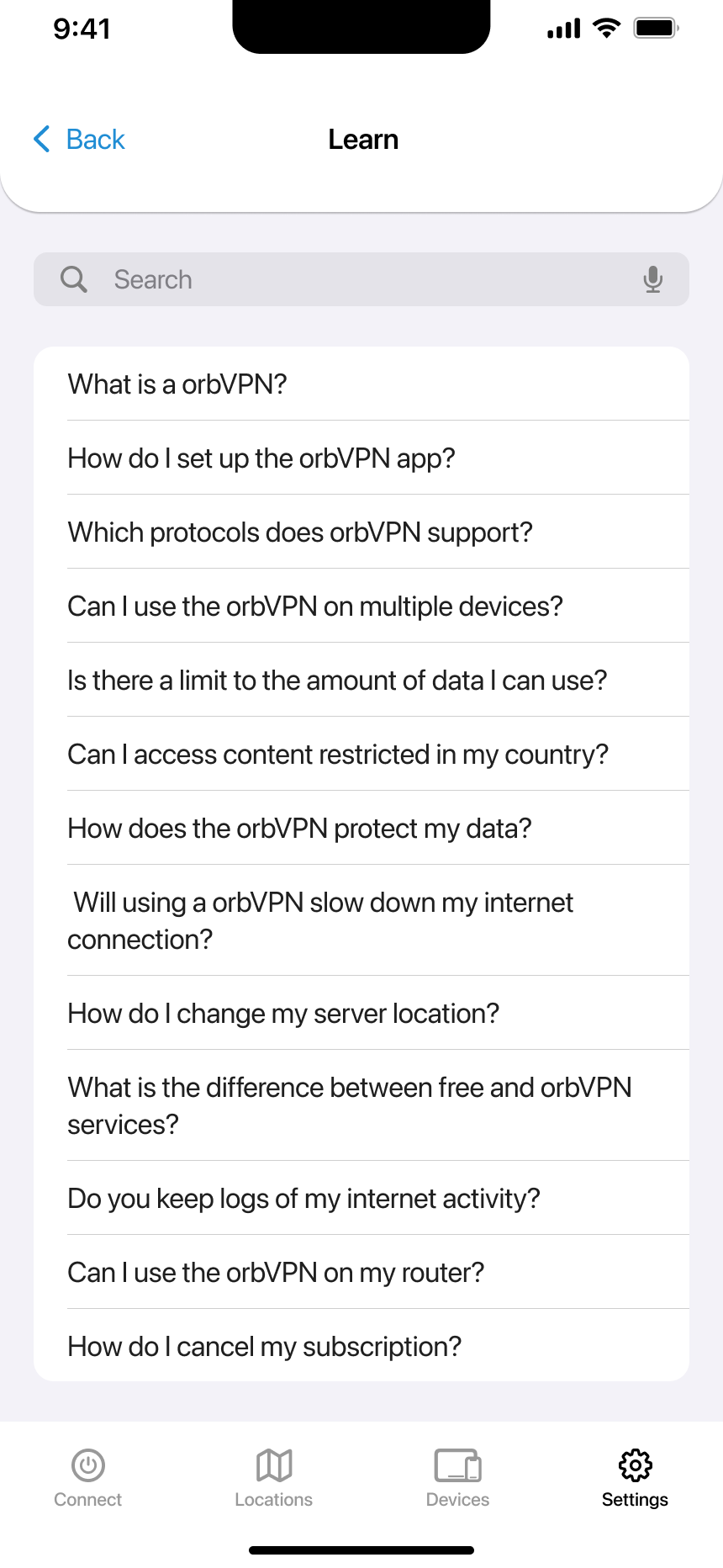
Learn Section
Browse FAQs and tutorials to get the most out of OrbVPN.
Legal & Regulatory
Access important legal documents and regulatory information.
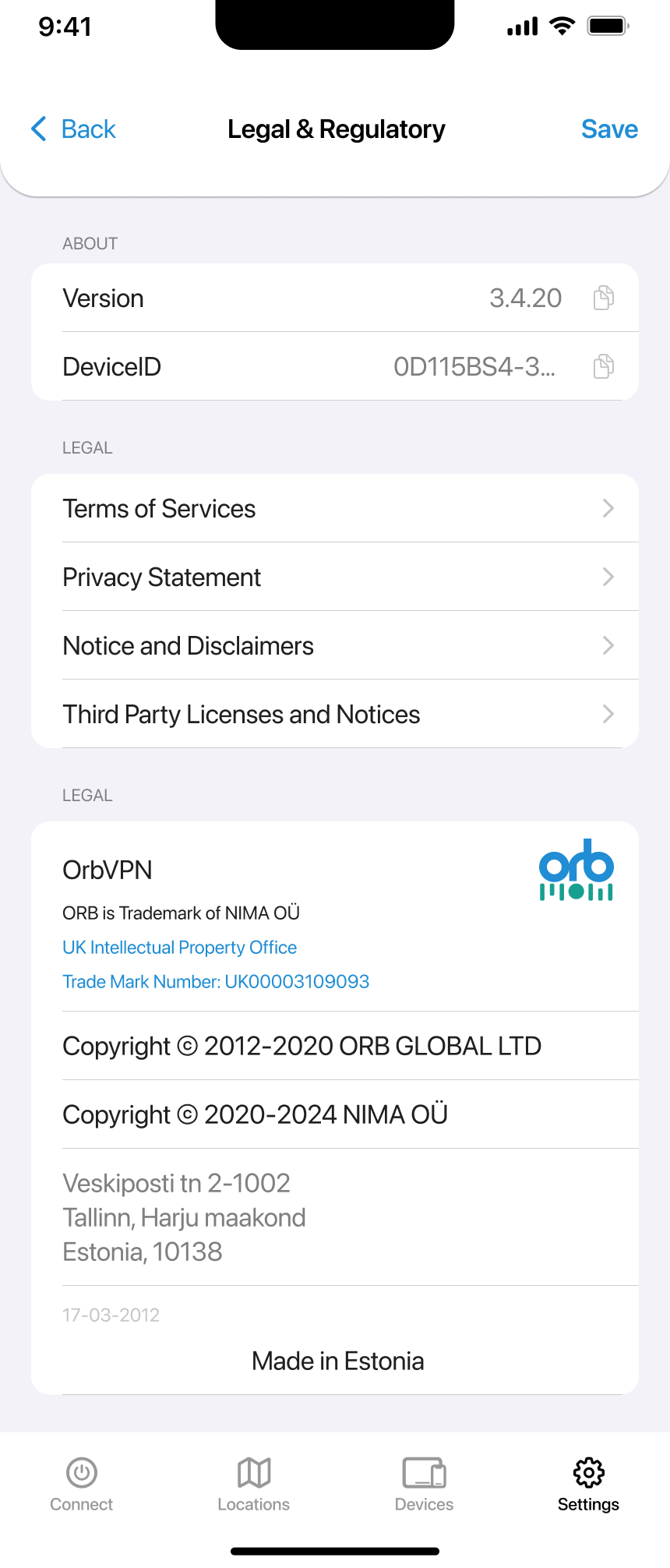
Terms of Service
Review our service terms and conditions
Privacy Statement
Learn how we protect your data
Notices
Important notices and disclaimers
Licenses
Third-party licenses and attributions
Troubleshooting
Settings Not Saving
Check your internet connection and restart the app if changes don't apply.
Missing Options
Update to the latest app version to access all features and settings.
Profile Issues
Verify input formats for phone numbers (include country code) and dates.
Biometric Not Working
Ensure biometrics are set up in your device settings first.
Personalize Your Privacy
With extensive customization options, OrbVPN adapts to your unique needs. Download now and take control of your online security.